
Tips for Professionals49 Stories

Tips for ProfessionalsPro to Pro: Where to Find Your Next Client
Cover all bases to connect with homeowners who could be potential customers
Full Story
Tips for ProfessionalsFor Your Business: A Guide to Social Media Marketing - 2
Get the ball rolling with the second of our handy guide to marketing your business on social media
Full Story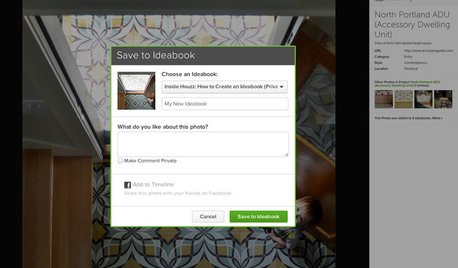
Tips for ProfessionalsHow to Create and Use Ideabooks
Gather inspirational photos, share them with others and put your design dreams on the path to reality
Full Story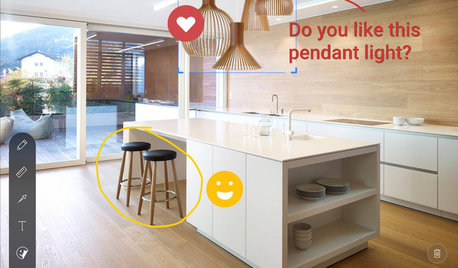
Inside HouzzInside Houzz: Explore Sketch, a New Way to Bring Design Ideas to Life
Update your Houzz app for iPhone and iPad to get Sketch
Full Story
Inside HouzzPro Corner: Move up on Houzz With Professional Reviews
Learn more about reviews on Houzz and how to use them to your advantage
Full Story
Tips for ProfessionalsFor Your Business: A Beginner's Guide to Social Media Marketing - 1
New to social media marketing? This beginner's guide will get your business on the road to online success
Full Story
Tips for ProfessionalsProfessionals: How to Become a Part of the Houzz Community
Tips for how to build your profile, participate in discussions and build a wide base within the Houzz community
Full Story
Tips for ProfessionalsPro Corner: How to Add Professional Photos on Houzz
How to upload your photos to your professional profile for the best results
Full Story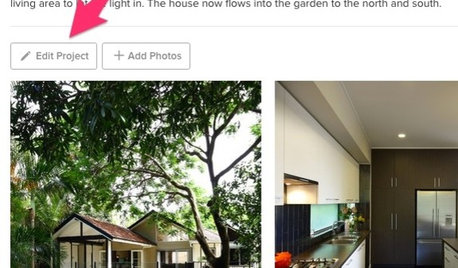
Inside HouzzHouzz Tools: Edit Photos and Projects With Ease
Use our new project and photo editor tools to sort, label and arrange photos with just a few clicks
Full Story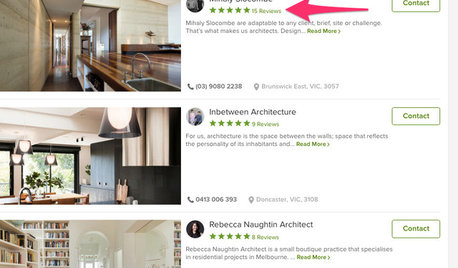
Inside HouzzMove Up on Houzz With Professional Reviews
To be listed higher up in the Houzz professionals directory, it's important to have reviews and ratings by clients
Full Story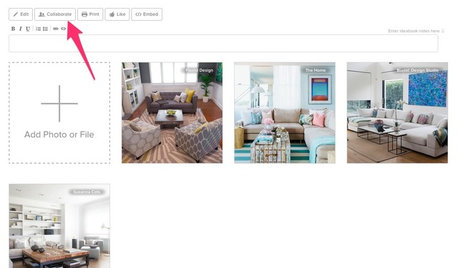
Inside HouzzInside Houzz: Sharing Houzz Ideabooks
How to collaborate your ideabooks with others and edit your privacy settings
Full Story